
How do I install your plug-ins on MacOS?
The download link for MacOS is a .dmg file. When you download and open this file it will mount a new drive in Finder containing the installer:
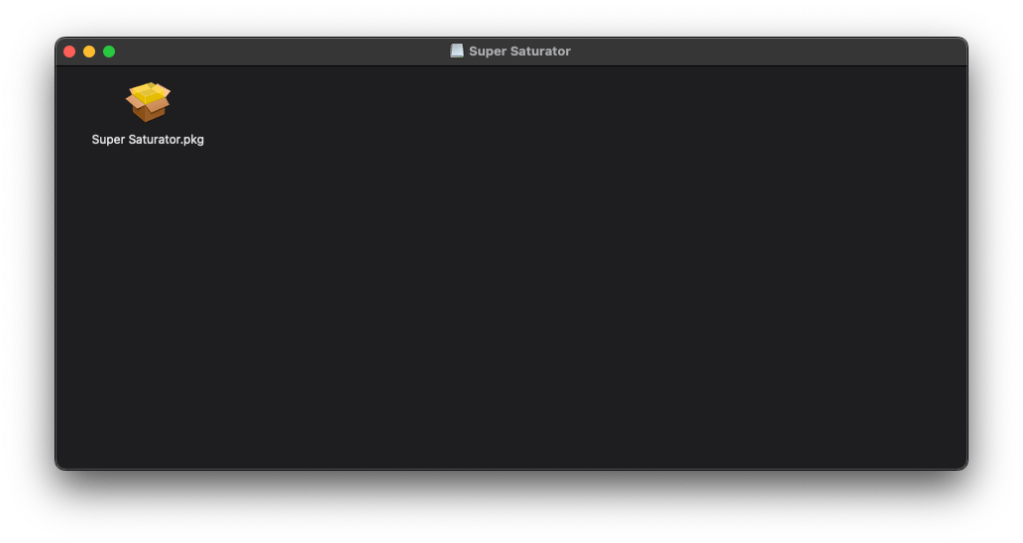
Double click the .pkg file to open the installer and follow the instructions to install both the AU and VST3 versions of the plug-in to your system:
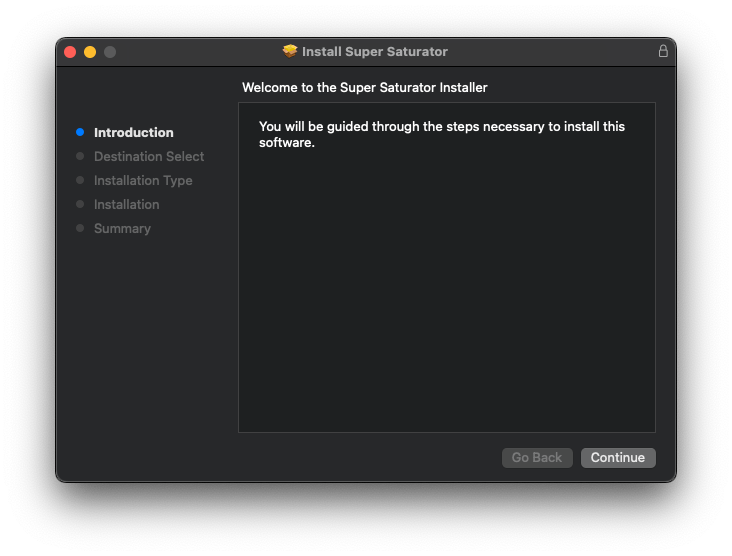
If you want to select your preferred plug-in format before installing, you can do that from the Installation Type by clicking on the Customse button.
How do I install your plug-ins on Windows?
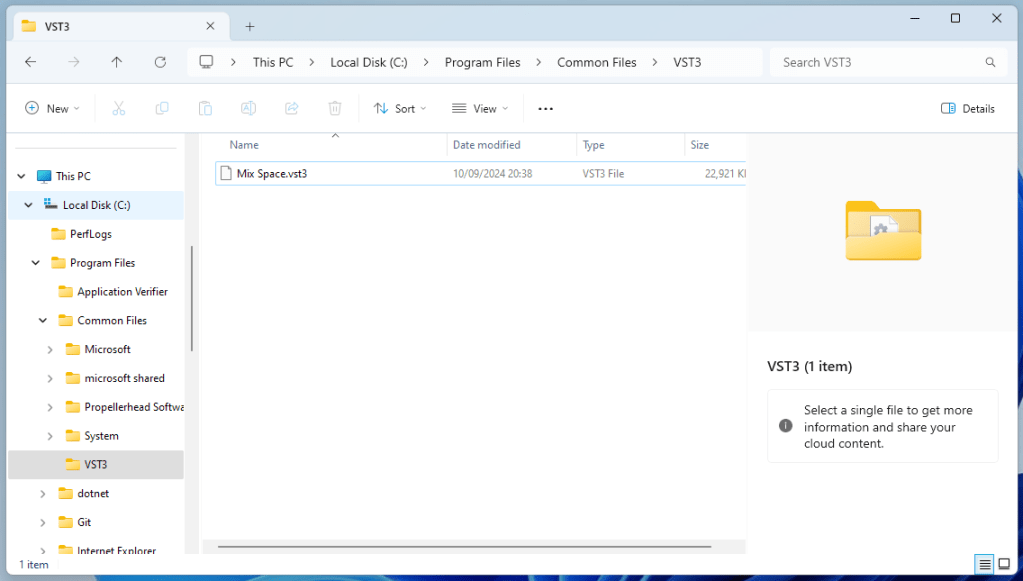
The download link for Windows is a .zip file containing the vst plug-in file directly. To install the plug-in, open up the .zip file and copy the .vst3 plug-in file contained within it to your plug-ins folder, which will typically be one of the following:
| Format | Path | Extension |
| VST3 | C:\Program Files\Common Files\VST3 or 32-bit VST3 plug-ins on 64-bit Windows: C:\Program Files (x86)\Common Files\VST3 | .vst3 |
 Mannix² Audio Technology